Tag Archives: Twitter

The Best Laid Plans …

Some rights reserved by Luke Andrew Scowen 2009

When my winter break began I told myself I would sit down, reflect, and write a thoughtful post to close out the year. I had the best of intentions to write a nice long post, maybe even two … and then, my winter break came to an end. At first, I felt guilty about relaxing so much and not making the time to post but I slowly began to reconsider those feelings.

I started to reflect again on how nice it can be to take a break from the pressures to write, reflect, and post and how it’s even nicer to allow yourself to take that break. As my winter break progressed and I let myself enjoy the simple pleasures of reading, visiting with family, and walking around the city, I began to feel refreshed and I could feel my energy and excitement around work and learning naturally rejuvenating. I decided that while it would have been nice to post during my break, I could be happy with posting after it as well. So now that my break is over, here’s my attempt at looking back at 2012.
iPad_blog_photo2

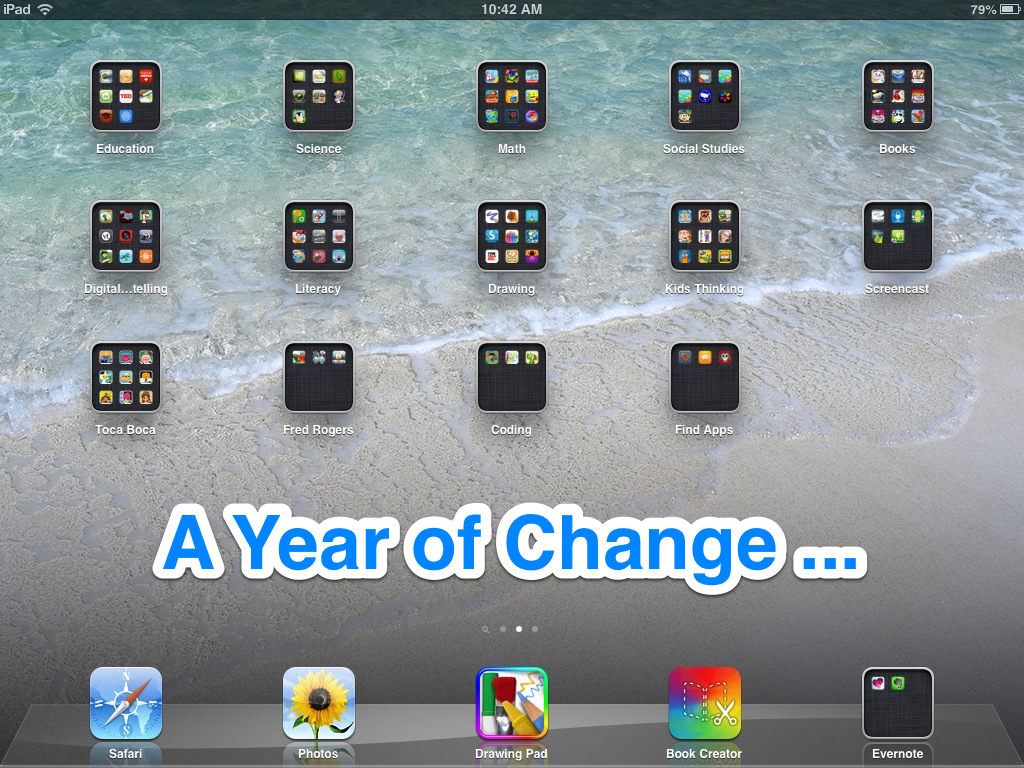
The past year has been a year of change, full of endings and new beginnings. To start, after a winter and fall jam-packed with coursework, I finished my masters program in International Training and Education in the spring of 2012. I also had the opportunity to expand my consulting work and in addition to managing websites and facilitating Twitter chats and webinars, I led an online summer book club and traveled to Senegal. During my second trip to Africa, I saw less of the countryside but met many more people (over 300 in fact!), as I managed the social media and online spaces for an international conference. I learned a great deal about child protection systems and had the opportunity to connect with some great new colleagues.

After my African adventures, I moved from D.C. back to Philadelphia and into one of my new favorite spots in the city. I had a chance to explore some more of the local parks and restaurants before heading out to my first NAEYC Professional Development Institute (PDI) as a Lasting Legacy Scholar. It was an educative experience and I appreciated the opportunity to connect with so many other professionals in the field of early childhood education. I was also able to help facilitate the first Tech Play Date and share in technology explorations with other early childhood professionals. The PDI was followed closely by my first ISTE conference, which set the stage for our new Early Learning and Technology Special Interest Group (SIGELT) that just recently launched.

ISTE and the Tech Play Date were the perfect prelude to my new position as a Technology Coordinator at a private school, working with Pre-K through 2nd grade, which I began in late August. Since then, I have been engaged in technology explorations, troubleshooting, and collaborations with the students and teachers at my school. I have introduced a range of new tools and apps and together we have explored their applications in the classroom. For example, to start the school year, some students used Skitch on the iPad to annotate photos showing what they like to do in first grade. I have also worked to facilitate some cross-class collaborations, such as a Voicethread exchange among the kindergarten classes, where each student added an audio recording as an introduction to her or his photo and then left a comment on a photo of a new peer in a different kindergarten class.

Not long after our initial projects were finished, I traveled to Atlanta for my 5th NAEYC annual conference. I had a wonderful time talking technology and networking with new friends and colleagues at Tech on Deck and enjoyed attending sessions with people who I had only “met” before on Twitter! I returned to my school with new inspiration for Reggio-inspired, maker-based technology explorations and since then, I have continued to integrate new tools for student expression and creation into the classroom.
DNLE

As the year came to an end, I looked back on all of the posts I had written, here on this blog as well as the tech tips on my school blog, and I felt renewed excitement about all of the things I have learned and experiences I have had. I tried my first MOOC (Standford DNLE) this year, working with partners in Singapore, South Korean, and Iran for our final project and I had the chance to moderate some #Globalclassroom chats to make even more global connections. I continue to learn constantly from my PLN on Twitter, Google+ Communities, and other social media networks, as well as from new friends and colleagues who I get to see in-person.

After giving one small workshop and with another under-review, I have made efforts to begin sharing more of my knowledge and experience with technology as a tool for global learning.  Meanwhile, the small collaborations and global connections that are just beginning to blossom at our school via Skype and Twitter feel like they are a great foundation for future collaborations and the tech projects that are underway are beginning to feel truly integrated with classroom work and curricula. All in all, I think it has been a year of successful change, a year of growth and transition that I hope will lead to even more learning and discovery. Up next, I want to do some forward thinking about the future and what I want to achieve in 2013!

Apps in Early Education – The Big Questions

With the start of the school year right around the corner, I wanted to take some time to explore the use of apps in PreK through 2nd grade. I realized that a number of my thoughts about apps for this age level focused on questions. Such as:

  • How are educators currently using apps?
  • How are young learners using apps (at home and/or school)?
  • What are the best review sites for educational apps?
  • What rubrics exist for evaluating apps for this age group?
  • How can app devices (e.g., tablets & smartphones) be used to connect with other tech tools (e.g., interactive whiteboards)?
  • What type of teacher PD resources exist for new app users?
  • What resources exist for young children learning how to use apps?
  • How can apps best be used when you only have one device?

Clearly, there is a lot to consider when examining how and why to use apps with young learners. I decided to start with some of the key questions above and did some web searching. Here’s what I found:

How are educators currently using apps?

out a bout app

Out-A-Bout App by Fred Rogers Center

To start, I reviewed the initial survey results from the Early Childhood Technology Collaborative, which show that only 35% of surveyed teachers of young children are even using tablets. So I realized I needed to narrow my focus to my #ECETech PLN to get information about how teachers who are actually using these tools in their practice work with apps. From there, I discovered a great post by @mattgomez detailing the apps he uses with his kindergarteners and links to how he uses many of them. I also checked out the Fred Rogers apps, which provide suggestions for how to use them and reviewed some other app collections, such as these two pinboards, iPad Apps for Early Childhood and Early Childhood/Preschool Apps, with suggestions for how to use each app. I also found a helpful post of how apps are being used in a 1st grade class and overall,  teacher blog posts seemed to be the most informative to learn not just what, but how teachers are using apps with this age range.  How are you using apps for education? 

How are young learners using apps (at home and/or school)?

Aside from teacher blog posts about how they are using apps with their students, this question was hard to answer through general online research. I did find a very cute video of kindergarten children talking about how they used iPads in a butterfly study in their classrooms. I would love to see more of these types of active examples of technology used as a tool to support or enhance a project/learning from the child’s perspective. How are your young learners using apps? 

What are the best review sites for educational apps?

My go-to sites (in no particular order) are:

kindertown logo

Where do you go for trusted reviews of apps to use in school with early learners?

What rubrics exist for evaluating apps for this age group?

Some rubrics that I’ve found recently (and I hope more and more will be created to meet different needs!):

Do you have other ways of assessing educational apps? What criteria do you use?

How can app devices (e.g., tablets & smartphones) be used to connect with other tech tools (e.g., smartboards)

Apple VGA Adapter

Apple VGA Adapter

It can be helpful to display apps on a larger screen, such as a SMART Board, so large groups can share ideas and see content at the same time. To display your iPad/iPhone screen on a SMART Board or other large screen, you need either a VGA adapter or an HDMI /Digital AV Adapter if you want to connect to an Apple TV/HD TV.

If you want to actually control what’s displayed on your screen from your iPad instead of just mirroring the image on your mobile device, then you’ll need an additional application, such as Doceri or Splashtop. These are helpful if you want to access your computer programs on your iPad.

I want to continue investigating these options because it seems like one of the best uses of the an interactive whiteboard (IWB) and a mobile device  – using the IWB to control your device (e.g., interact with an iPad app on a SMART Board) – isn’t currently possible. This combo could be especially helpful for early learner’s fine motor skills and large group collaboration so hopefully it will be available in the future.

What tips do you have for connecting app devices to other tech tools?

What type of teacher PD resources exist for new app users?

This is one area where the Internet provides a rich treasure trove of resources! In addition to Twitter and a PLN full of other educators who are experimenting and playing with various apps and sharing their tips and tricks, there are numerous articles written on this topic. For example, this site is full of professional development resources  for teaching using iPads in the Classroom. Apple provides a page of resources, as well as ongoing webinars for educators using their mobile products and Android4Schools is a good resource for those with Android devices. 

Successfully finding professional development resources is connected to creativity. Be creative in selecting platforms to search. When looking for resources, include wikis, Pinterest boards, LiveBinders, Twitter, and other networks, as well as news sites, video-tutorials, and of course, colleagues!

What resources exist for young children learning how to use apps?

Although I feel like any technology should be used as a tool to enhance learning and simply another language kids can use to express their creativity, there are still some basics that can be helpful to review before handing a mobile device to a child. For example, how to: turn it on, control the sound, understand when it needs to be plugged in, swipe, click, and so forth.

It was tough to find resources to help with this but I do like the suggestions in the book Teaching in the Digital Age, by Brian Puerling, about how to introduce an iPad to young learners.

I also found these colorful posters about acceptable use, which could be helpful reminders for older children who can read and serve as a good reminder about building in time to discuss digital citizenship and acceptable use with even very young learners.

How do you introduce apps to early learners? What resources have you found?

How can apps best be used when you only have one device?

Finally, working in an environment where children may have access to app-filled devices at home and teachers often have them for personal use but there are no classrooms full of mobile devices, I wanted to consider this question. Luckily, this  has been a popular topic lately and there are many resources online for working in a “one tablet/iPad classroom.” Some only include app suggestions, others take the form of podcasts, blog posts, articles or collections of project ideas and links to explore in more depth.

Do you have suggestions for using only one mobile device in the classroom? 

My head is filled with many additional questions, such as how to use mobile devices to facilitate global collaboration, creative expression, and documentation but those might have to wait for later in the year. I’m excited to keep exploring and to hear from others about their experiences and ideas!